Instant transformation
From photo to pixel art in a blink. Tweak the size until it feels just right.
 pixelateimg.
Turn your photos into little works of art. Play with pixels, explore beautiful palettes, and download something worth sharing.
Create pixel art ↗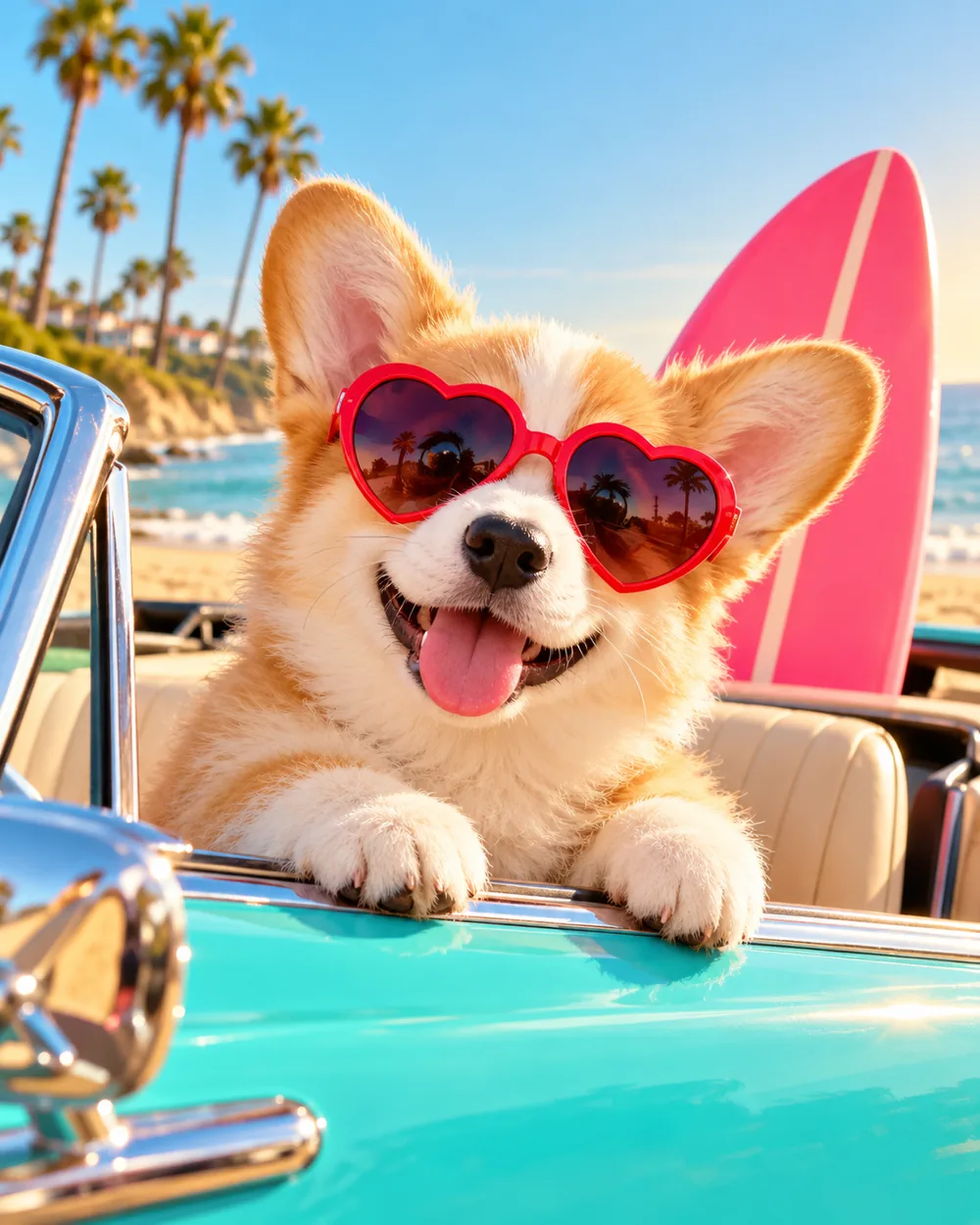
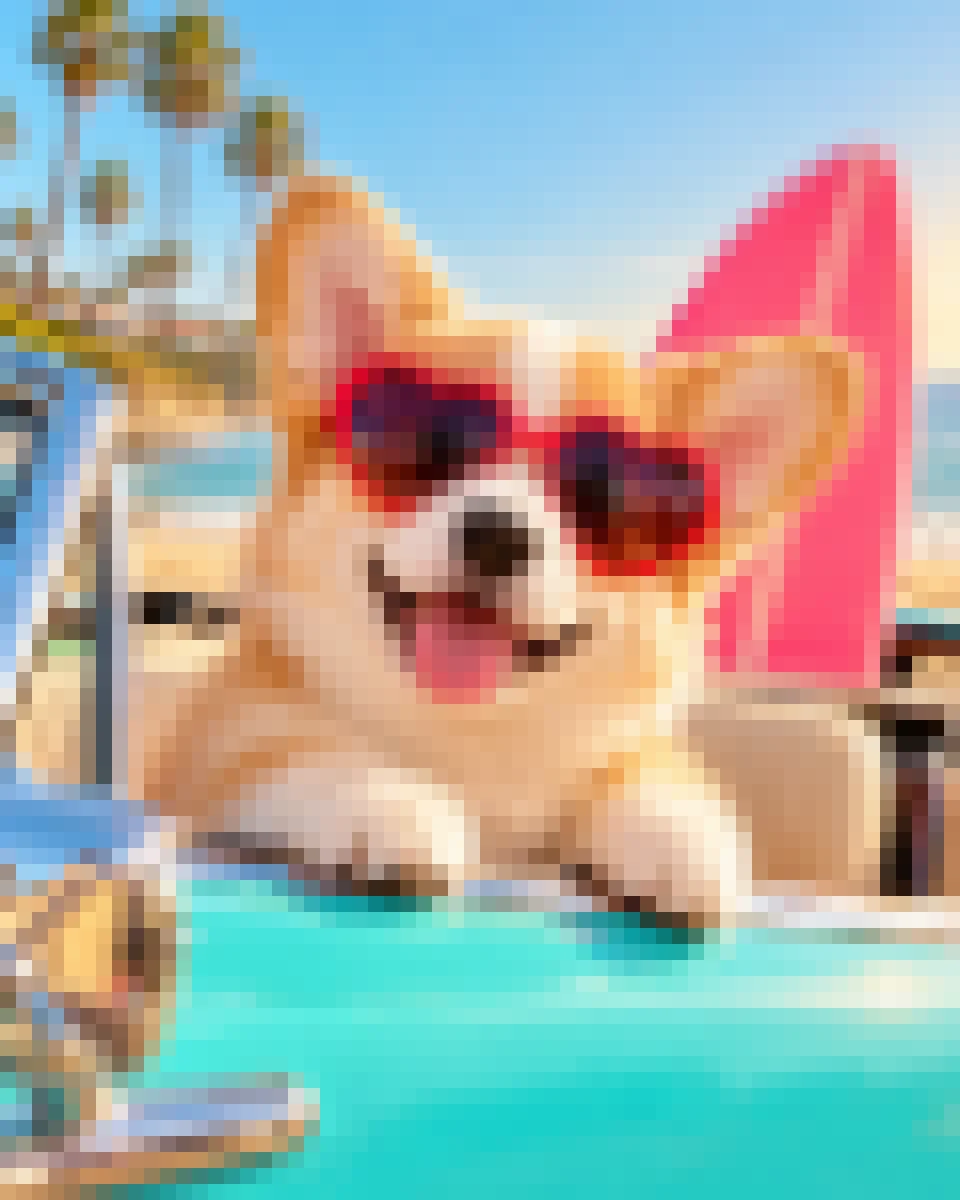
Drop in a photo, find your look, and make it yours.
Your photo stays on this device. Image processing runs in your browser.
Need help? Follow the tutorial ↗From photo to pixel art in a blink. Tweak the size until it feels just right.
Go vintage with Lost Century, keep your original colors, or try a playful preset.
Export a crisp PNG for your avatar, game prototype, social post, or next idea.
Portraits, places, pets, and everything in between. Your imagination looks good in pixels.
Try it now ↗↗New to pixel art? Start with a simple walkthrough, or learn how to use color palettes.
Yes. You can turn images into pixel art and download the result for free.
No. Image processing happens locally in your browser.
It's a warm, vintage 16-color palette created by SurrealEmber. View it on Lospec ↗
The tool does not claim ownership of your work. Make sure you have the rights to any source image you use.