Choose a photo
Upload a JPG, PNG, WebP, or another image your browser can open, up to 20 MB. Or try the example first.
 pixelateimg.
Upload a photo, find your colors, and download your pixel art. No sign-up needed.
Drop in a photo, find your look, and make it yours.
Your photo stays on this device. Image processing runs in your browser.
Need help? Follow the tutorial ↗Upload a JPG, PNG, WebP, or another image your browser can open, up to 20 MB. Or try the example first.
Use smaller pixel blocks for detail or larger blocks for a bold effect. Pick a palette and try dithering for textured color transitions.
Check the live preview, then download a PNG. The tool keeps the image proportions and processes images up to a 1200 px longest edge.
Keep Original colors, try the warm 16-color Lost Century palette, go green with Game Boy, or choose Sunset Pop. You can also import a Lospec palette using its page link.
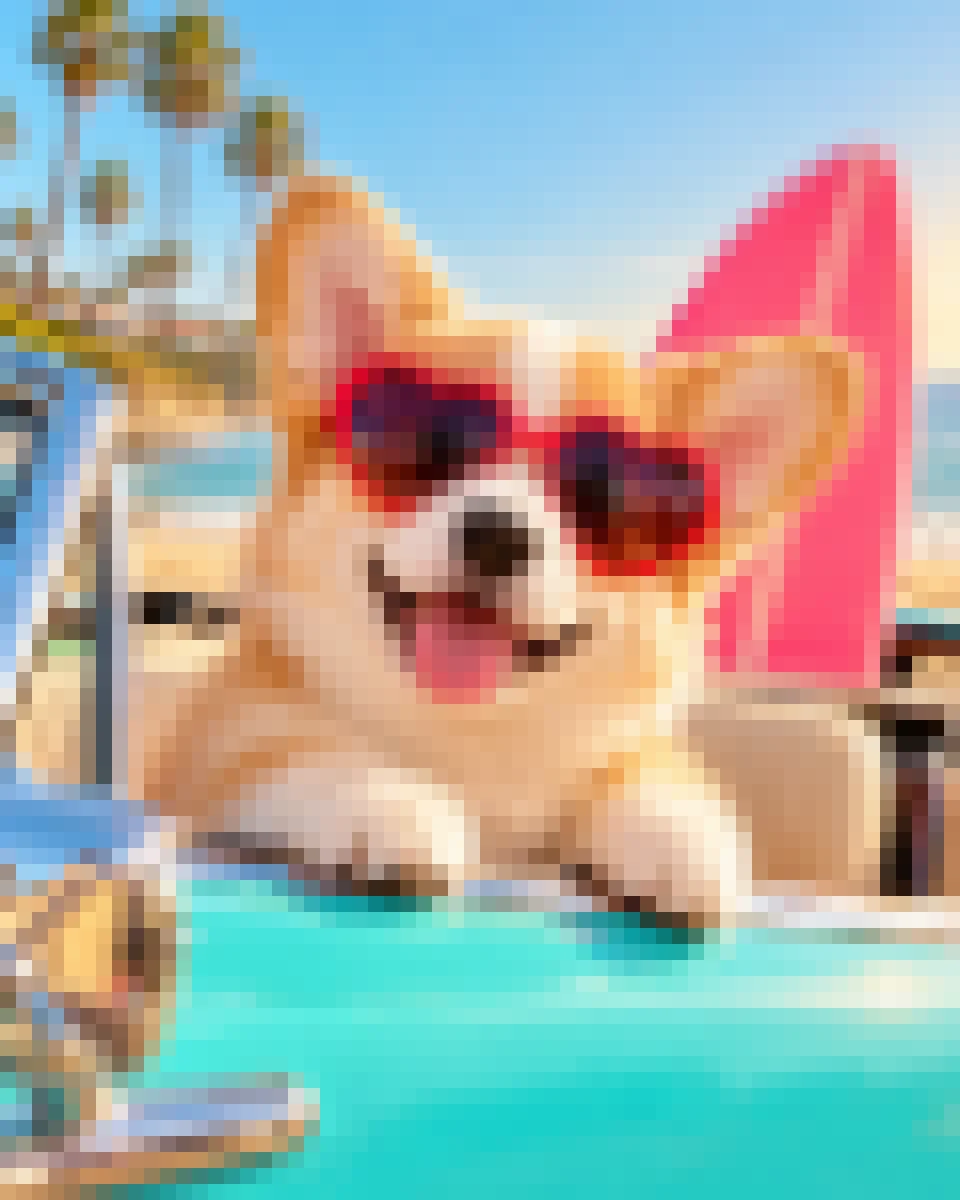
Learn how to import Lospec palettes ↗The same example photo before and after pixelation. Try it in the editor and explore different palettes.

New to pixel art? Start with a simple walkthrough, or learn how to use color palettes.
No. It uses pixel sampling and color matching in your browser. Your photo is not sent to an AI service.
The slider controls pixel block size, not an exact output grid. This version does not export a fixed 16×16 or 32×32 sprite.
No. It creates PNG pixel art, not Minecraft block plans or game files.
No. Image processing happens locally in your browser.
Lower the pixel size to preserve more detail. Try Original colors before switching to a limited palette.